
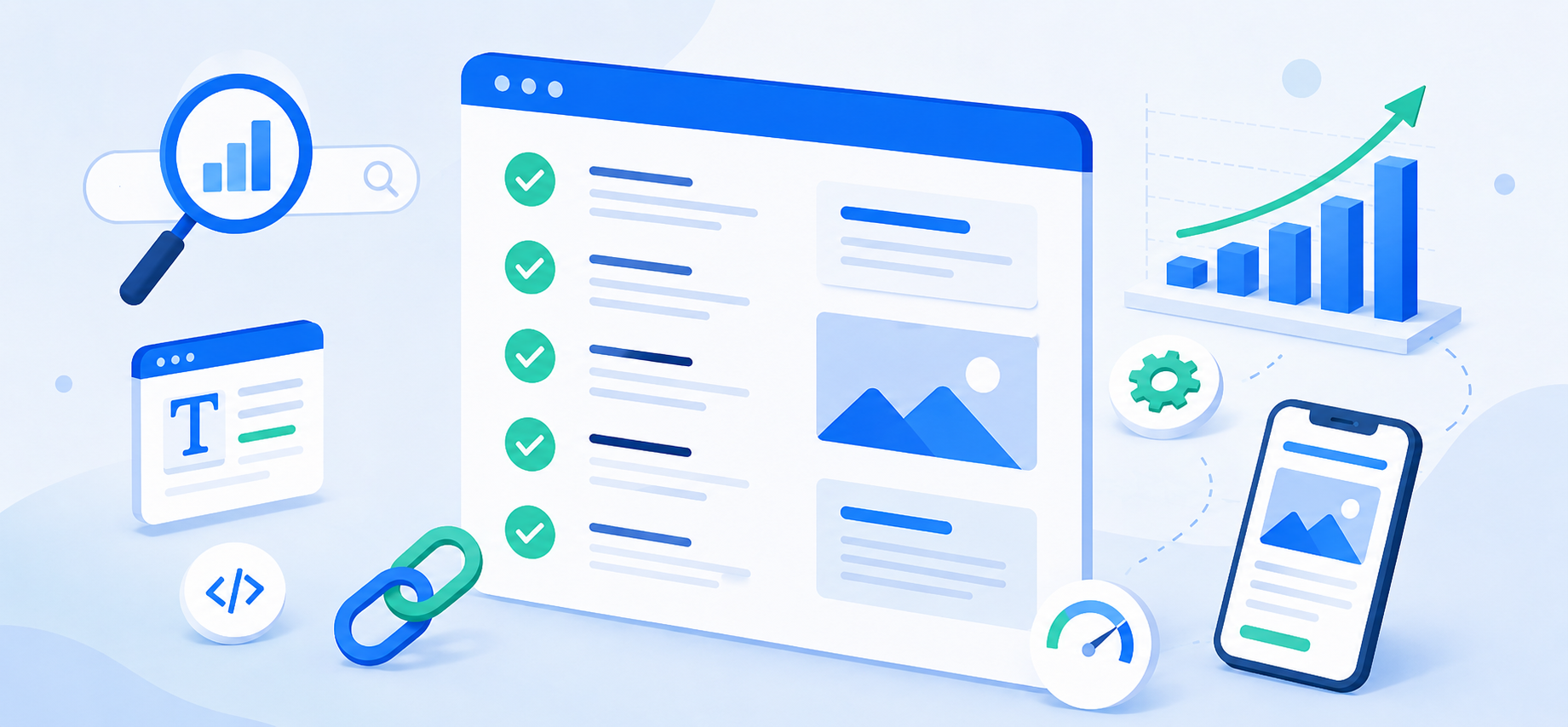
On-page SEO is about making each webpage clear, useful, and easy for both visitors and search engines to understand. It includes your page titles, headings, content, links, images, URLs, and technical settings. These elements should also work together as part of a well-planned website structure and development process. Use this checklist when creating or improving a page.
Choose One Clear Topic
Each page should focus on one main subject. Trying to cover too many unrelated services on one page can make it harder for visitors and search engines to understand what the page is about.
Write a Strong Page Title
Your page title should be clear, accurate, and unique. It should describe the page naturally without stuffing in unnecessary keywords.
Use Clear Headings
Use one main heading that matches the page topic, then organize the rest of the content with helpful subheadings. This makes the page easier to scan and understand.
Answer Your Visitors’ Questions
Include the information potential customers are likely looking for, such as:
- What the service includes
- Who it is for
- How the process works
- Common questions
- What to do next
Focus on helpful information rather than repeating keywords.
Use Simple URLs
Keep URLs short and descriptive when possible.
For example:
example.com/website-maintenance
is easier to understand than:
example.com/page?id=4729
Write a Useful Meta Description
Create a short description that explains what the page is about and why someone should visit it. This may appear in search results.
Add Internal Links
Link to related pages on your website, such as services, articles, FAQs, or case studies. Use descriptive link text instead of generic phrases like “click here.”
Optimize Images
Before uploading images:
- Resize and compress them
- Use descriptive filenames
- Add appropriate alt text
- Avoid placing important information only inside images
Make It Mobile Friendly
Make sure text is readable, buttons are easy to use, forms work properly, and your website loads quickly.
Include a Clear Call to Action
Tell visitors what you want them to do next, such as:
- Request a quote
- Call your business
- Fill out a form
- Schedule an appointment
Make contact information easy to find.
Make Sure Search Engines Can Access the Page
Check for indexing problems, broken links, website hosting or server errors, and settings that may prevent search engines from finding the page.
Keep Your Content Updated
SEO is ongoing. Regular website maintenance should include reviewing important pages, updating outdated information, fixing broken links, and refreshing old content.
Need Help With SEO?
Illini Web Solutions provides search engine optimization services that can help identify opportunities to improve your website’s content, structure, technical settings, and search visibility.
Email [email protected] or call 217-854-6260 to discuss your website and SEO needs.